
Capo-ready charts
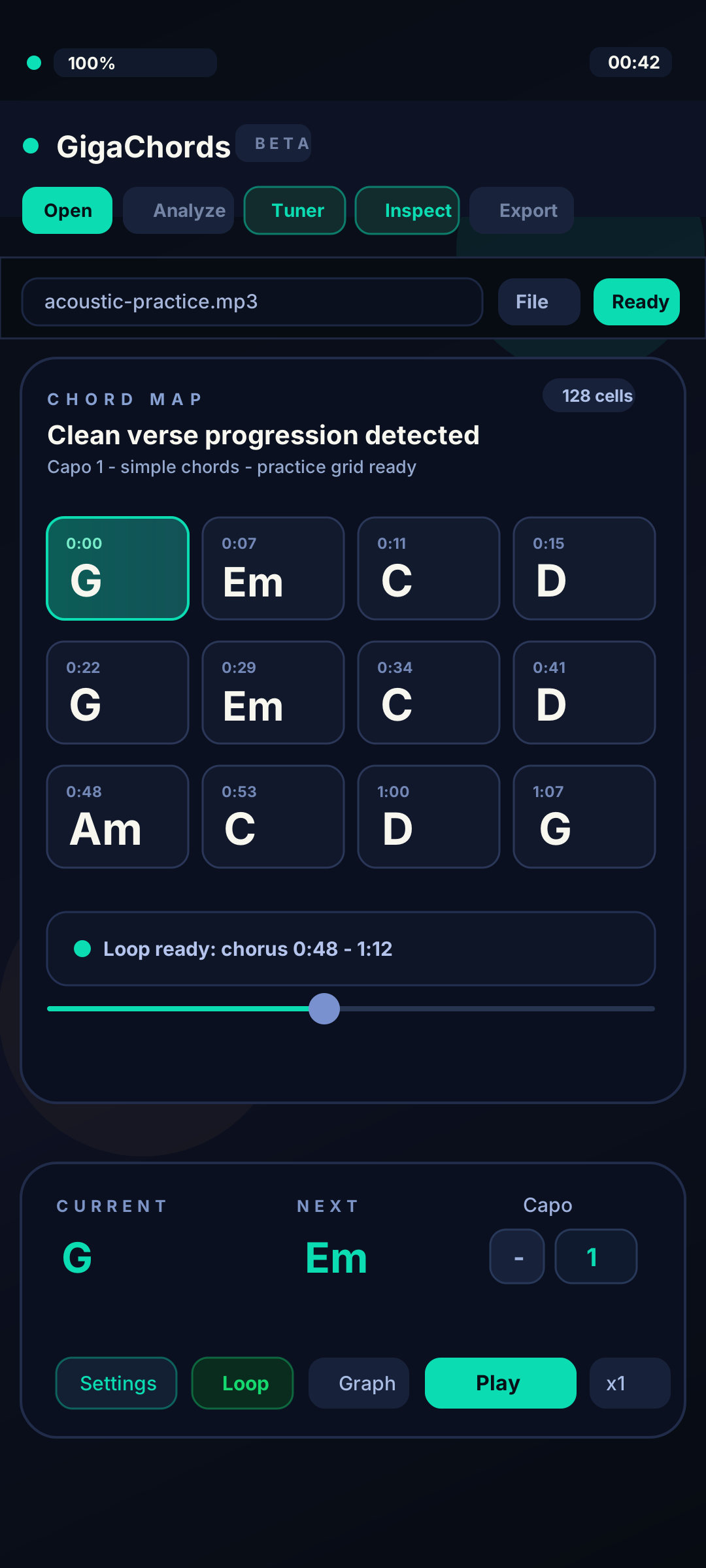
Adjust the capo setting to display useful chord shapes while the analyzed harmony stays clear.
For guitarists
Find the progression, set the capo, loop the rough chord change, and keep your hands moving with the song.
Adjust the capo setting to display useful chord shapes while the analyzed harmony stays clear.
Repeat the chord move until the transition feels natural.
Correct a chord by ear and keep the version you trust for practice.
Practice flow
GigaChords is made to sit beside your instrument. It keeps you moving instead of hunting through bad tabs and more playable than a static chord sheet.
GigaChords is available from the App Store, Microsoft Store, and Google Play. Each store shows current availability and purchase terms.
Grand Opening
Now on Mac, Windows, iPhone, iPad, and Android
GigaChords now runs on Mac too. Get it from the Mac App Store, or get it for iPhone and iPad on the App Store, for Windows in Microsoft Store, and for Android on Google Play.